The Only PDF Editor
Built for Speed & Security
Join thousands of professionals using Sanad PDF Editor to manage their documents offline. Powerful features, intuitive interface, and simple one-time pricing.
Why Choose Sanad PDF?
We combine the ease of web tools with the power of desktop software.
Unmatched Speed
No more waiting for files to upload. Our local processing engine renders pages instantly, saving you hours of productivity.
Total Privacy
Your sensitive documents never leave your machine. Unlike online converters, Sanad works entirely offline for maximum security.
One-Time Value
Forget expensive subscriptions. Unlock full professional power with a simple, affordable one-time payment after your trial.
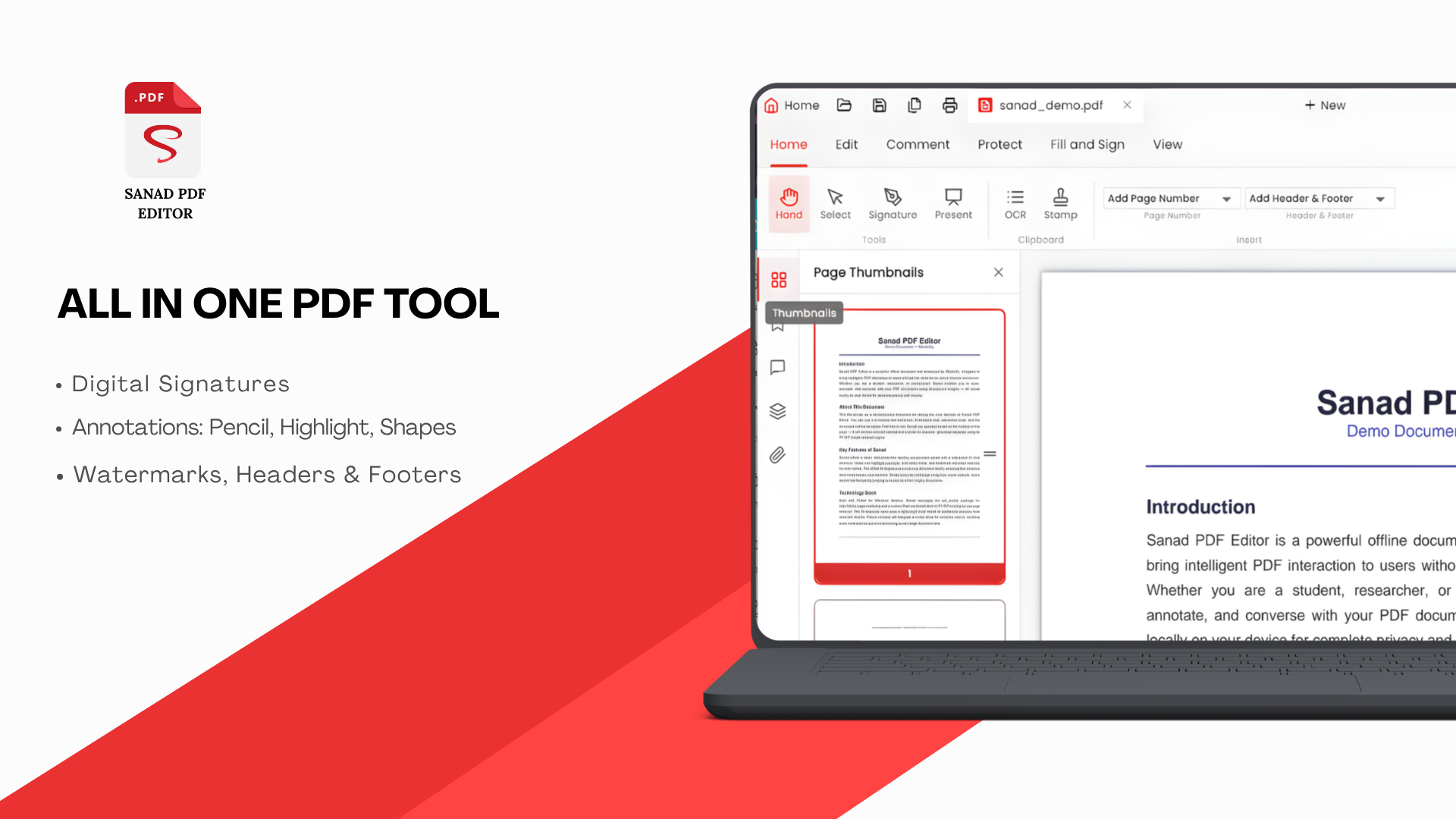
Complete Toolset
Free online basics, professional desktop power.
High-Performance Viewer
Experience lightning-fast PDF rendering. Open large documents instantly with our optimized engine.
View PDF Free →Intuitive Online Editor
Make quick edits directly in your browser. Add text, highlights, and annotations with zero lag.
Edit PDF Free →Legally Binding SignaturesPRO
Sign contracts and forms digitally. Create professional signatures and apply them securely.
Sign Documents in App →Brand ProtectionPRO
Protect your work with custom watermarks. Control opacity, position, and styling for a professional look.
Watermark in App →Military-Grade SecurityPRO
Secure sensitive data with 256-bit AES encryption. Lock PDFs with passwords to prevent unauthorized access.
Secure PDF in App →Advanced OCRPRO
Turn scans into editable text. Search and modify content in scanned PDF documents with ease.
Run OCR in App →Frequently Asked Questions
Ready to Master your PDFs?
Join the fastest-growing community of Windows PDF users. Download today and transform your workflow.